
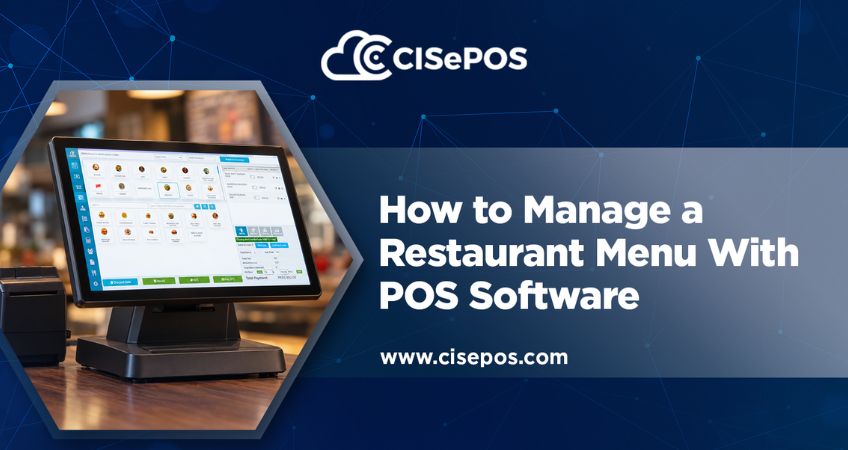
A restaurant menu changes more often than customers realise. Prices need updating, seasonal dishes come and go, ingredients become unavailable, and new deals need adding. If staff update these changes manually across printed menus, billing systems, and notes, outdated information can quickly lead to incorrect orders or bills.
Effective restaurant menu management keeps menu information accurate and makes it easier for staff to take orders. With the right POS software, cafés can manage items, prices, categories, and availability in one place instead of updating everything separately. This also gives staff a consistent source of information during busy service hours.
Organize Your Restaurant Menu
Make your menu easy for both customers and staff to navigate. Group items into clear categories, such as starters, main courses, drinks, desserts, and sides, so employees can find products quickly when entering orders.
When organizing your menu in a POS, use categories that reflect how the restaurant actually operates. A café may separate hot drinks from cold beverages, while a family restaurant may need categories for meals, children’s options, and add-ons.
Clear naming also matters. If two dishes have similar names, descriptive labels can help staff select the correct item and reduce confusion during busy periods. These simple steps make restaurant menu management more practical, especially for businesses with large or frequently changing menus.
Keep Prices and Item Details Updated
Outdated prices can cause checkout issues, especially when a restaurant changes its menu or introduces a new promotion.
A POS should let authorised staff update prices and item details without rebuilding all food options. Before applying changes, confirm the correct item is updated and that related deals or combinations still work as intended.
Accurate pricing is key to restaurant menu management because discrepancies between menu prices and the billing system can lead to customer complaints or corrections at checkout. Keep descriptions and images accurate where the software supports them, too, so staff can identify items more easily.
Manage Availability and Menu Changes
Not every dish is available throughout the day. Some items depend on seasonal ingredients, while others may sell out before closing time.
A reliable restaurant menu management process accounts for these changes. Staff need a clear way to identify unavailable items so they don’t keep accepting orders for dishes the kitchen cannot prepare.
For example, if a café runs out of a particular dessert, updating its availability in the POS can help prevent staff from adding it to new orders. This is more reliable than relying on verbal updates that may not reach everyone.
Restaurant Product Management: Track Ingredients and Items
Restaurant product management involves tracking the items a restaurant sells and, where supported, the ingredients used to prepare them.
This becomes especially useful when multiple dishes use the same ingredient. Sales or availability changes can affect several menu items, so it’s important to monitor stock alongside the dishes being offered.
A POS with connected inventory and recipe features can help restaurants monitor stock and understand how sales relate to ingredient usage. However, features vary by software, so check whether the system supports recipe-level inventory rather than assuming every POS does. Connecting these records to restaurant menu management helps managers spot stock issues before they affect service.
Connect Menu Updates With Restaurant Order Management
Menu accuracy directly affects order taking. If a price is incorrect or an item is listed as available when it has sold out, staff may need to correct the order or explain the issue to the customer.
A well-configured restaurant POS system keeps ordering and billing information connected. Depending on its features, staff can select items, apply available modifiers, record quantities, and prepare bills using the information stored in the system.
Café order management also requires a consistent process when customers change their orders. Adding an item, removing a dish, or changing a quantity should be reflected in the order and final bill. When menu details and ordering functions work together, restaurant menu management becomes part of daily operations rather than a separate administrative task.
Review Menu Performance
Sales reports can help café owners decide which items deserve a place on the menu.
Review how often dishes sell, which items perform well during different periods, and whether certain products consistently underperform. This information can support decisions about menu placement, promotions, purchasing, and seasonal changes.
For example, if a dish sells frequently but requires hard-to-source ingredients, managers can review its costs and availability before deciding whether to keep it. Sales figures are most useful when considered alongside ingredient costs, preparation requirements, and customer demand. These insights can also guide future menu updates.
How Can CISePOS Help?
CISePOS offers restaurant POS features that support menu management, ordering, billing, and inventory tracking. Its restaurant solution also supports menu images and recipes, helping businesses manage food information and connect it with other operational functions.
By keeping menu details in the POS, restaurants can manage updates more systematically and give staff a consistent source of information when taking orders and preparing bills.
Looking to simplify restaurant operations? Explore CISePOS to see how its restaurant POS features can support your orders and daily workflows.
FAQs
Q1: What is restaurant menu management?
A: It involves maintaining menu categories, item names, prices, descriptions, availability, and other details so staff can take accurate orders and prepare correct bills.
Q2: Can POS software update restaurant menus?
A: Yes. Many restaurant POS systems let authorised users add items, change prices, organise categories, and mark dishes as unavailable. Available features vary by software.
Q3: How does menu management connect with inventory?
A: Some POS systems connect menu items with stock records or recipes. When supported, this helps restaurants track ingredient usage and identify potential shortages.
Q4: How often should a restaurant review its POS menu?
A: Review it whenever prices change, dishes are added or removed, promotions begin or end, or ingredient availability changes. Regular checks can also catch outdated information before it causes ordering or billing problems.